
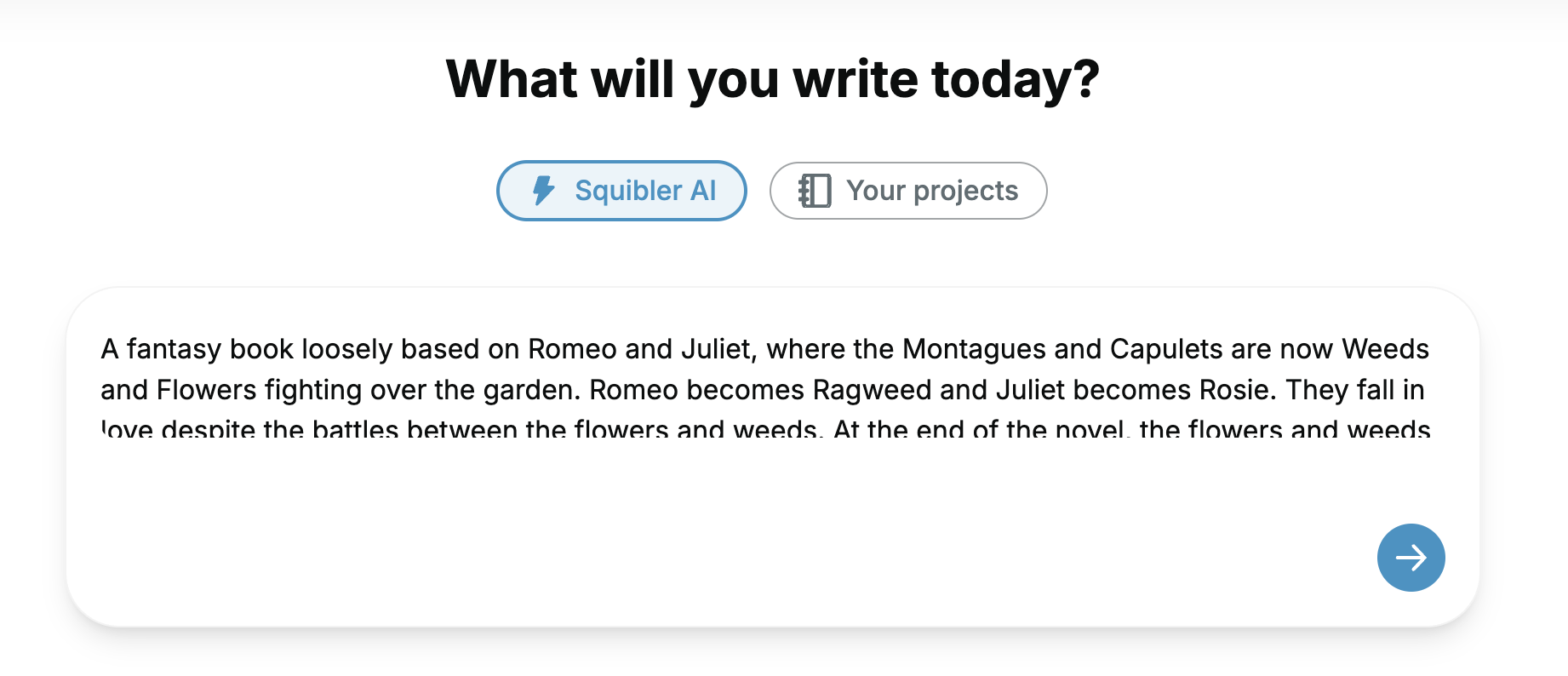
After you have entered your book details, you will automatically be directed to the Squibler editor. 📚
Your book will begin to generate, and you can track the progress on the right sidebar of your document.
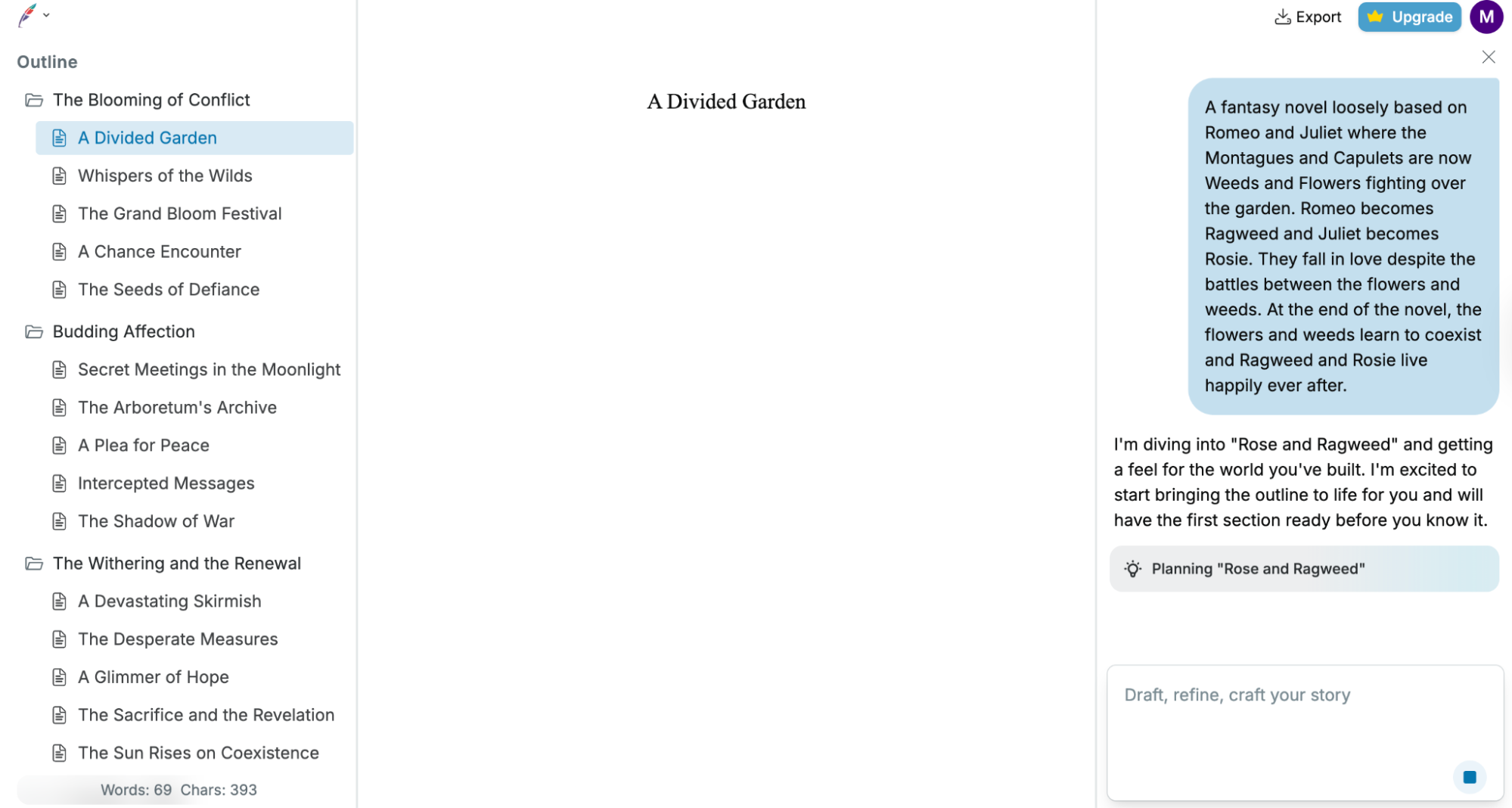
Squibler’s powerful AI will create your folders, files, elements, and book cover on the right sidebar:
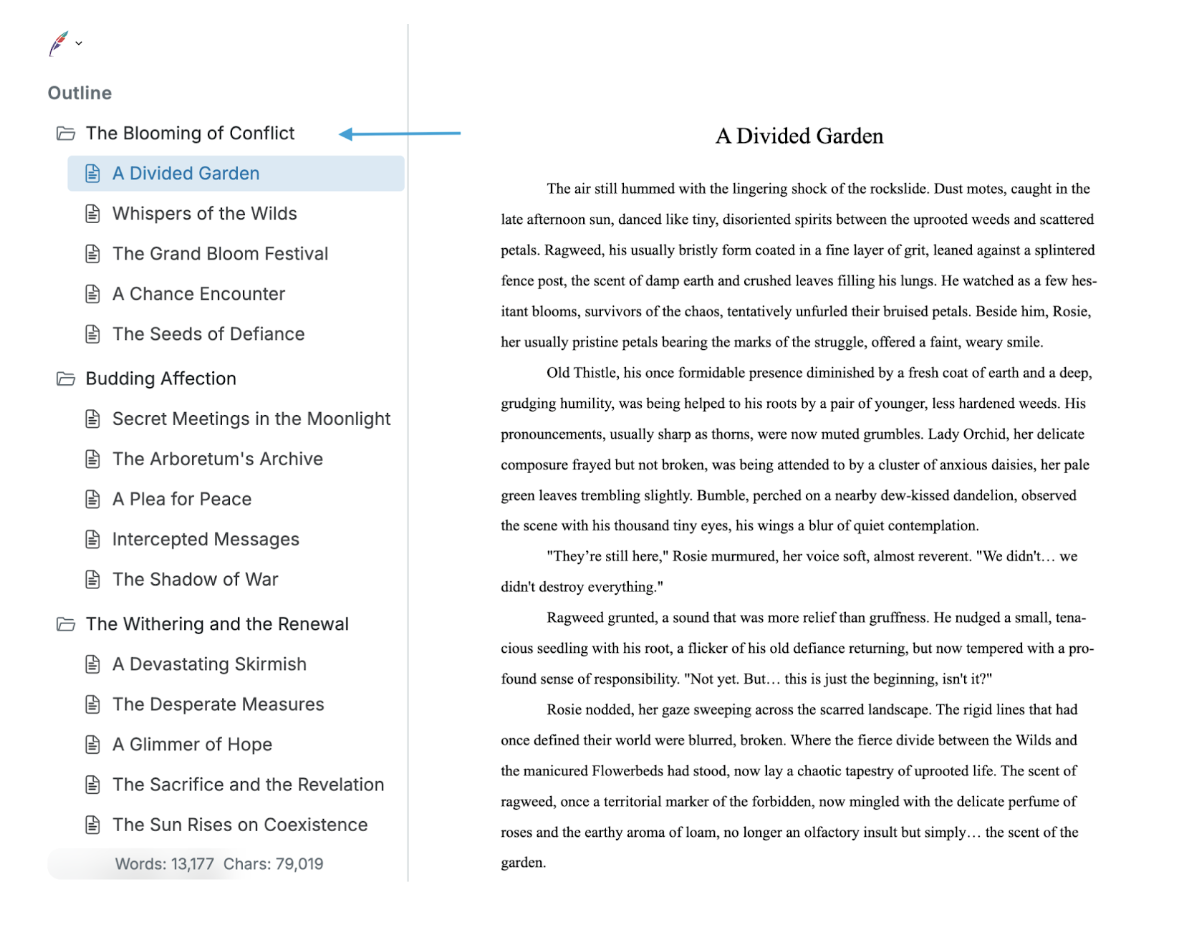
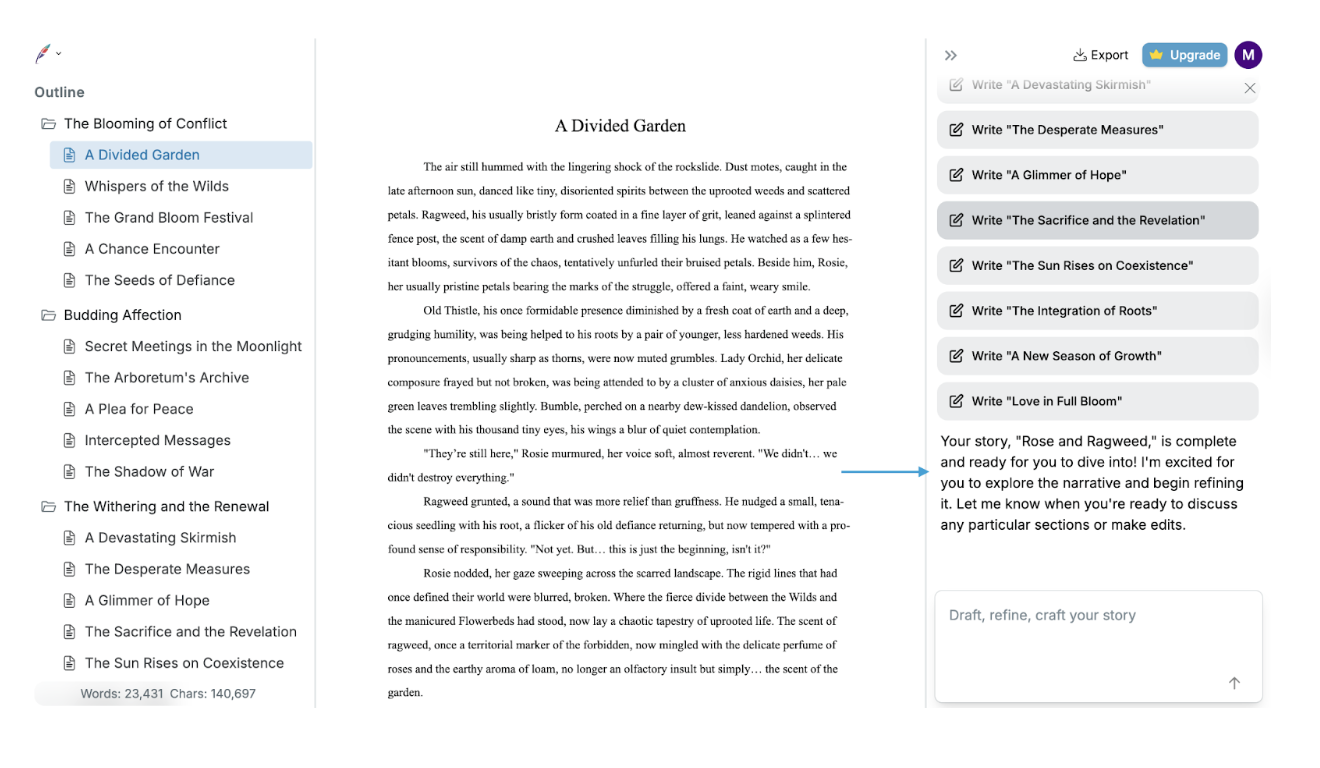
Once your project has finished generating, it’s time to dive in and read and edit your work! 📝
Did you answer this question?