Some necessary details on writing with help from AI
The world of AI-assisted writing is rapidly evolving and unlike anything before. So you’re probably wondering, how exactly does this thing work and how can I get the most out of it?
Like any tool, the person wielding it is ultimately responsible for the quality of results. This is a good thing because it means the writing you get from Squibler will be different from what everyone else gets, and there’s no limit to what you can create.
1.) Squibler works by reading your text, and then generating text based on what it sees.
This has a couple of important implications:
- The more you put in your document the better - Squibler needs to see enough content to understand what story you are trying to tell in order to give you good results. Try writing, or pasting in, at least a few paragraphs to get it started in the right direction.
- Junk in, junk out - Squibler assumes that everything in your document is something that you like. That means that if you put suggestions you only kinda like into your document, Squibler will keep giving you more suggestions that you only kinda like. To get better suggestions, make sure what’s in the document is at the level you want.
2.) Squibler is kind of random (on purpose)
- Think of Squibler suggestions as pitches from a writing partner. You can take them, leave them, or improve them to get the best result. A “yes, and” mindset is ideal for working with AI (just like with humans)!
- Sometimes Squibler will say something that seems super random. That doesn’t mean you did anything wrong, or that there’s a problem with Squibler—but it does suggest you should try to understand why the AI made that choice. Try a second time, and see if you get better results. If not, or if you find you have to press the button 3-5 times to get a result you like… 👇
3.) There’s always a way to improve your results
With the powerful agentic chat, Squibler is your intuitive cowriter. The chat box to the right of your document will let you ask for help with:
- brainstorming
- outlining
- drafting
- summarizing
- revising
- reviewing
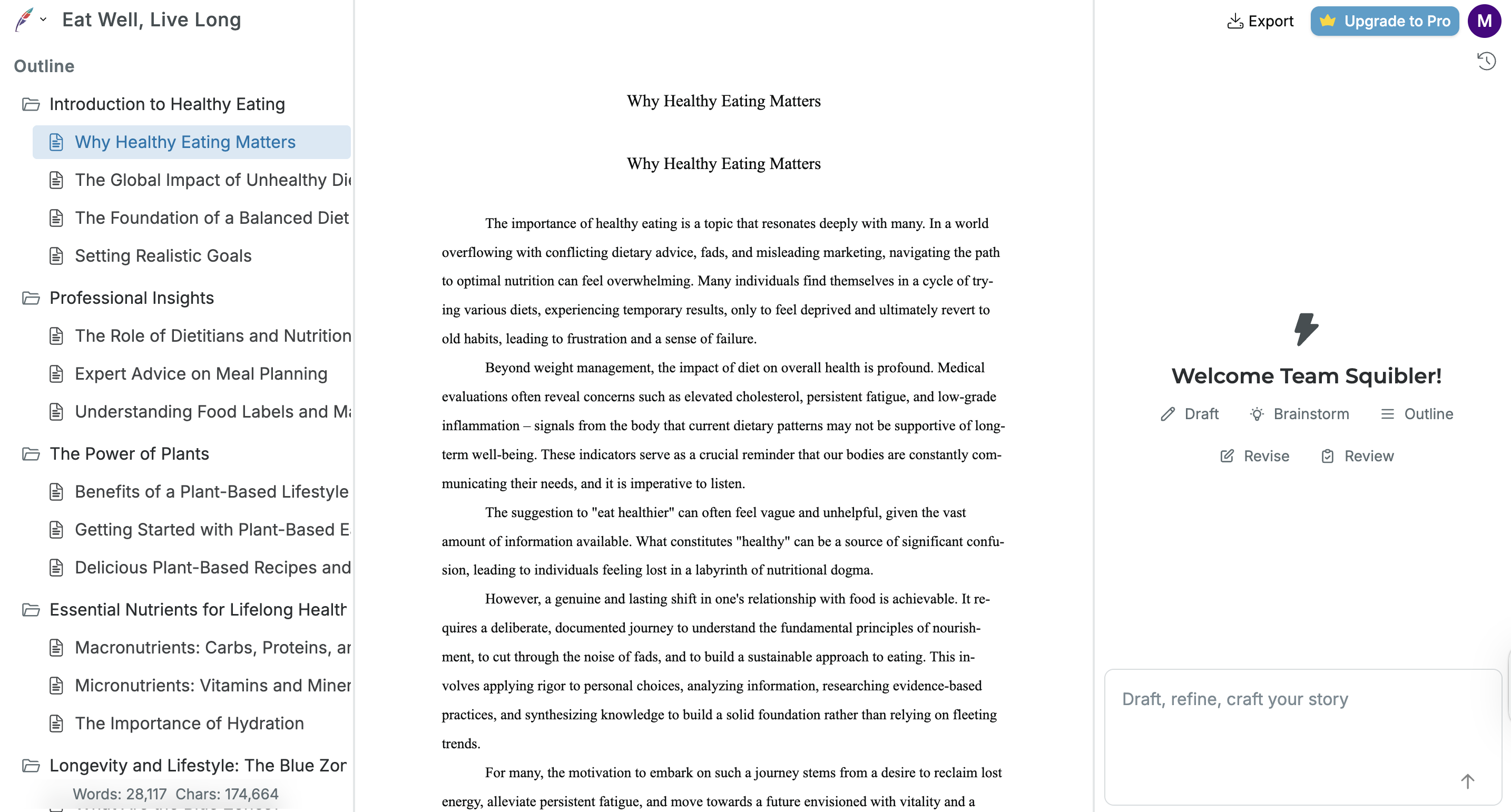
If the output is not what you wanted, you can rephrase your request and refine it until you get the results you want. 💪🦾💪