
To generate an image, highlight the text you want to create an image with. You will see
the toolbar pop up:
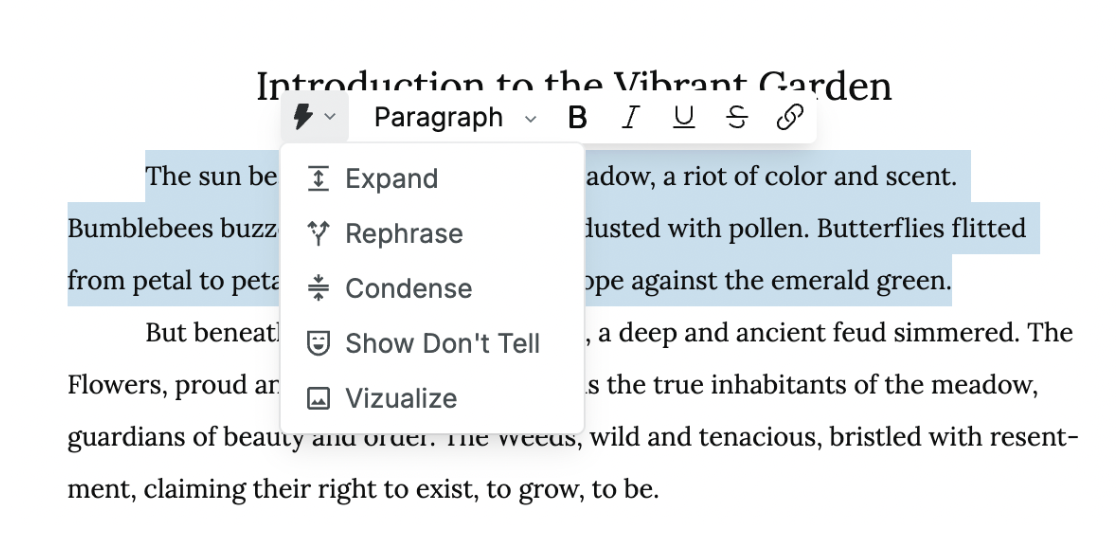
Click Visualize from the pull-down menu. This will bring up a box that details the image request. You can edit the image instructions to suit your needs.
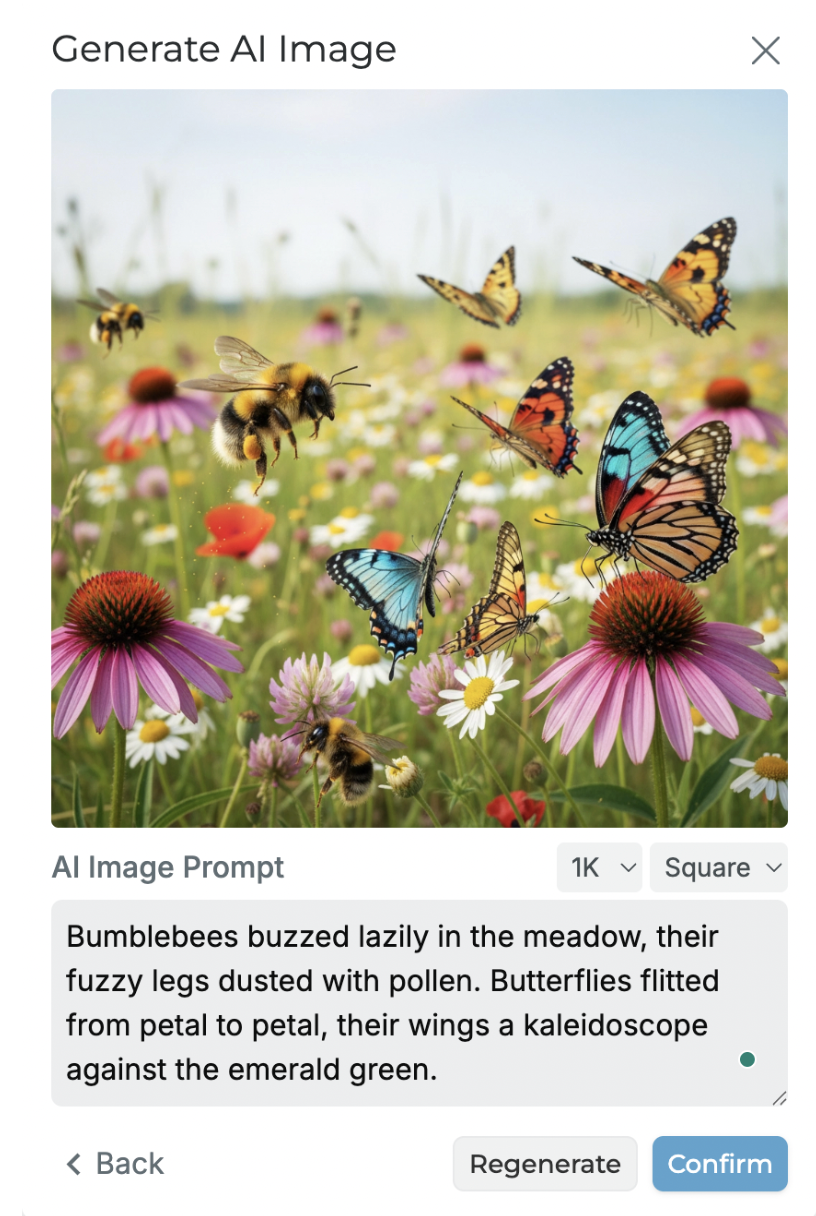
Once your image generates, you can insert it into your document by clicking on the blue Confirm button.
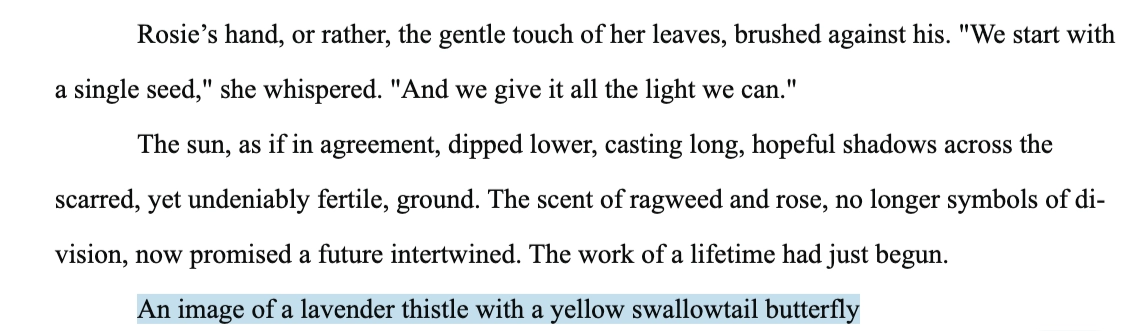
If you have a specific image in mind, you can also write a description of what you want the image to be and then click the blue Confirm button:
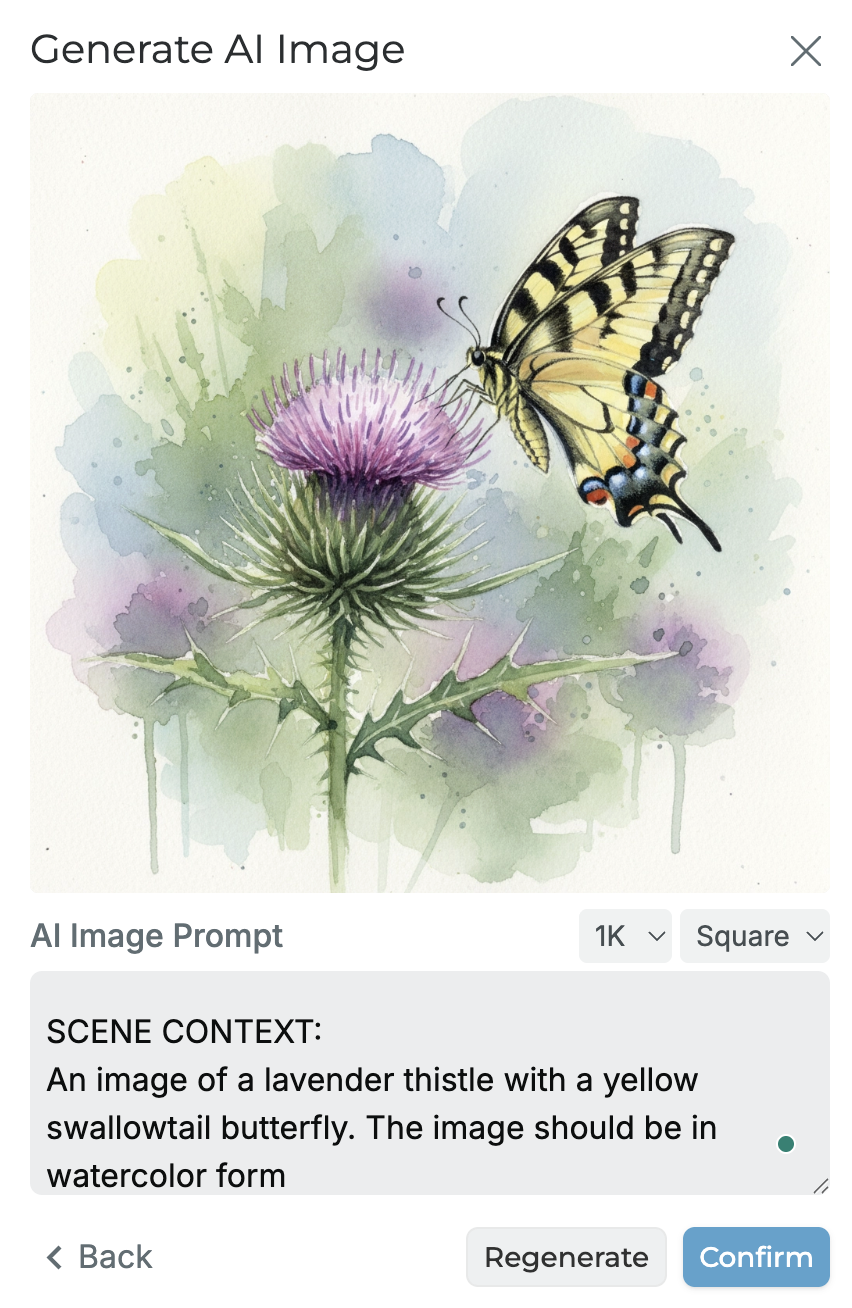
If you prefer another image, you can click the Regenerate button.