
The AI history tool is a great way to track text, edits, and images Squibler’s AI has generated for you.
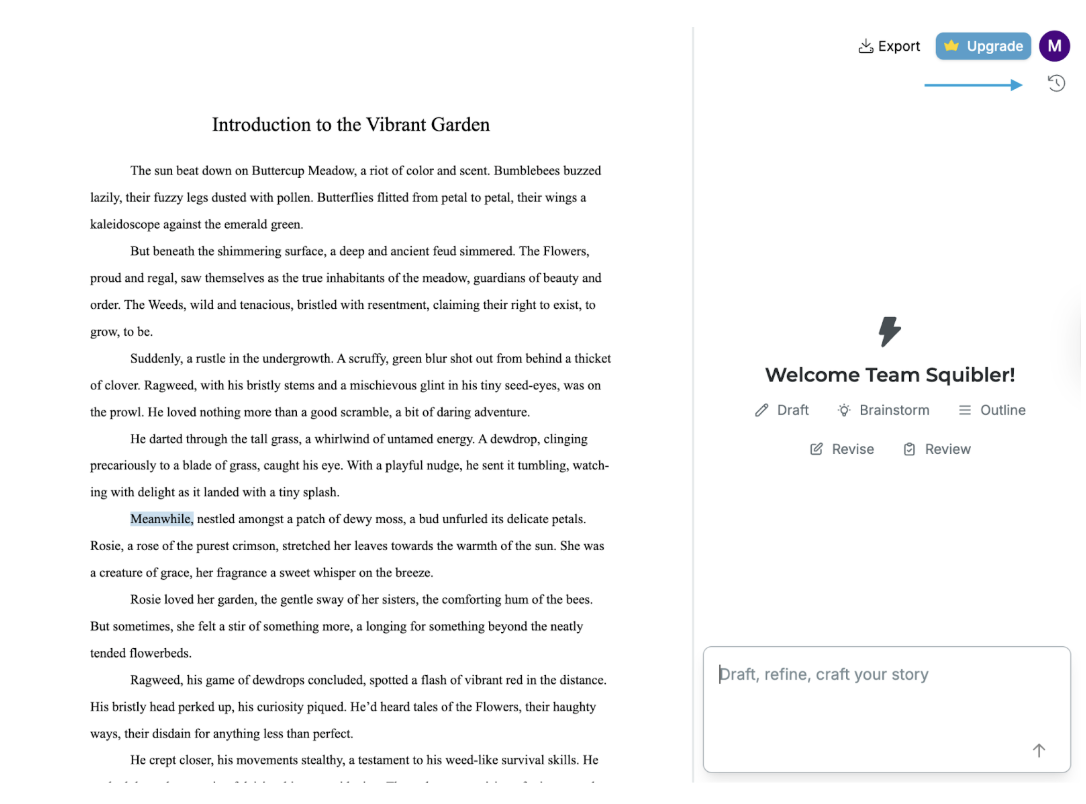
To locate the AI history, click on the clock on the top right side of your document 🕓:
This will bring the AI history up in the side panel:
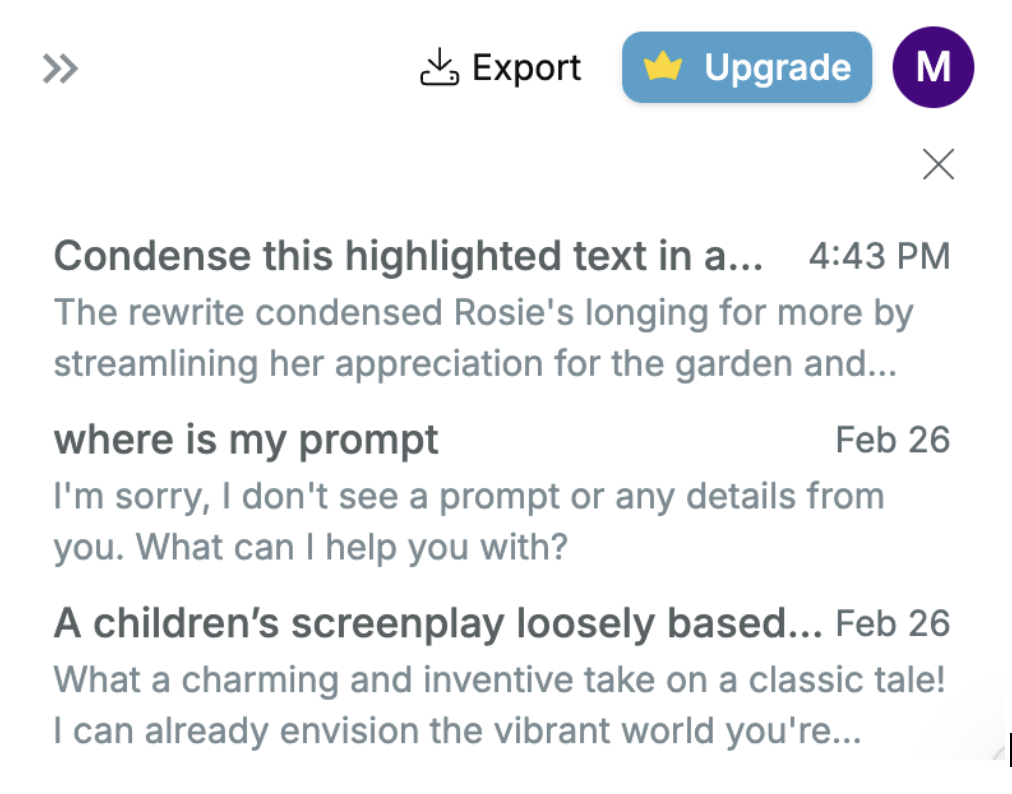
Clicking on any of these AI requests recalls the texts and images you had the AI generate for you. You can read or insert the text or images stored there into your document.