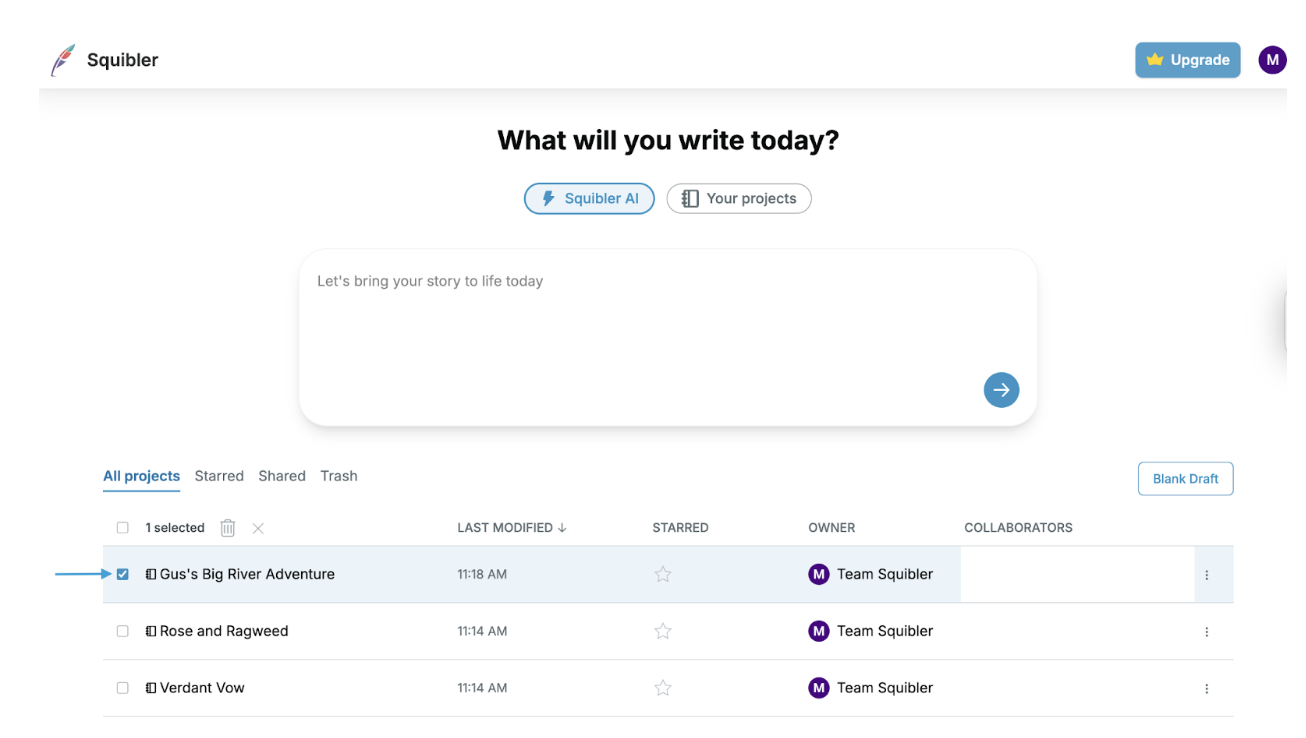
To delete projects, first select the box 🟦 next to the project you would like to delete:
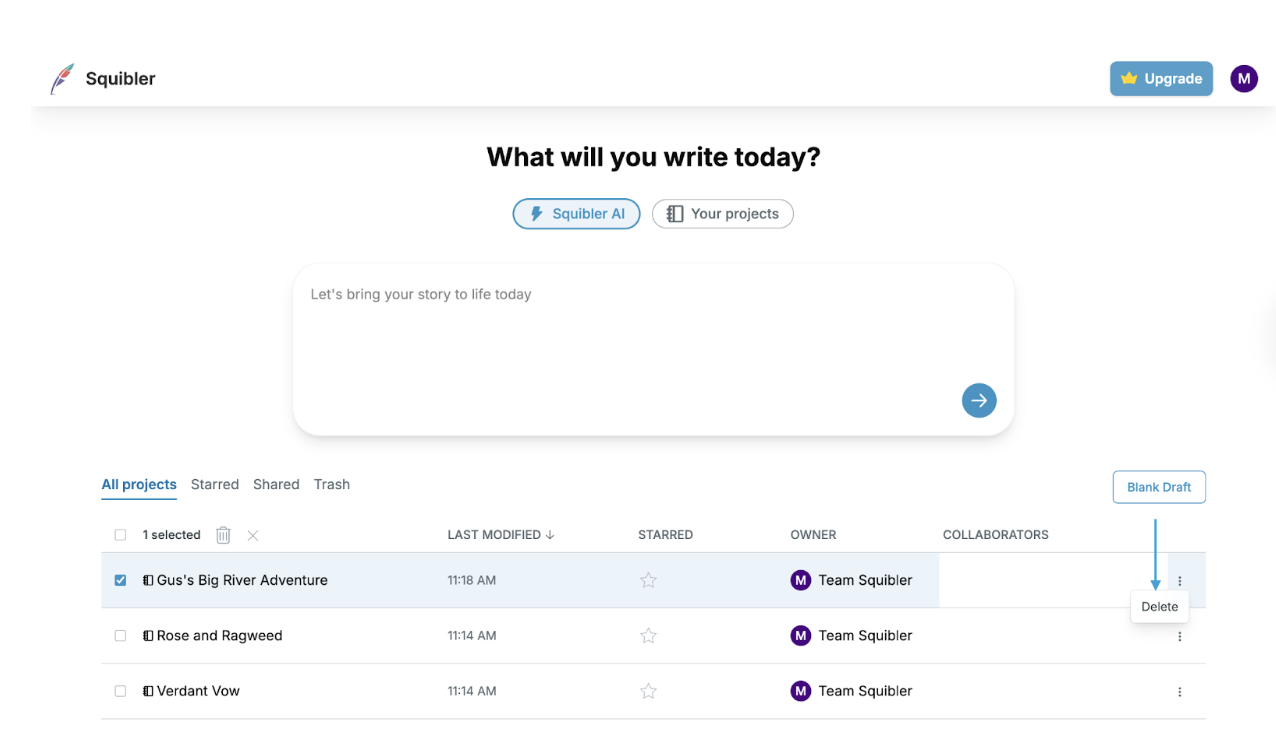
Then click the three dots to the right of your project and select delete:
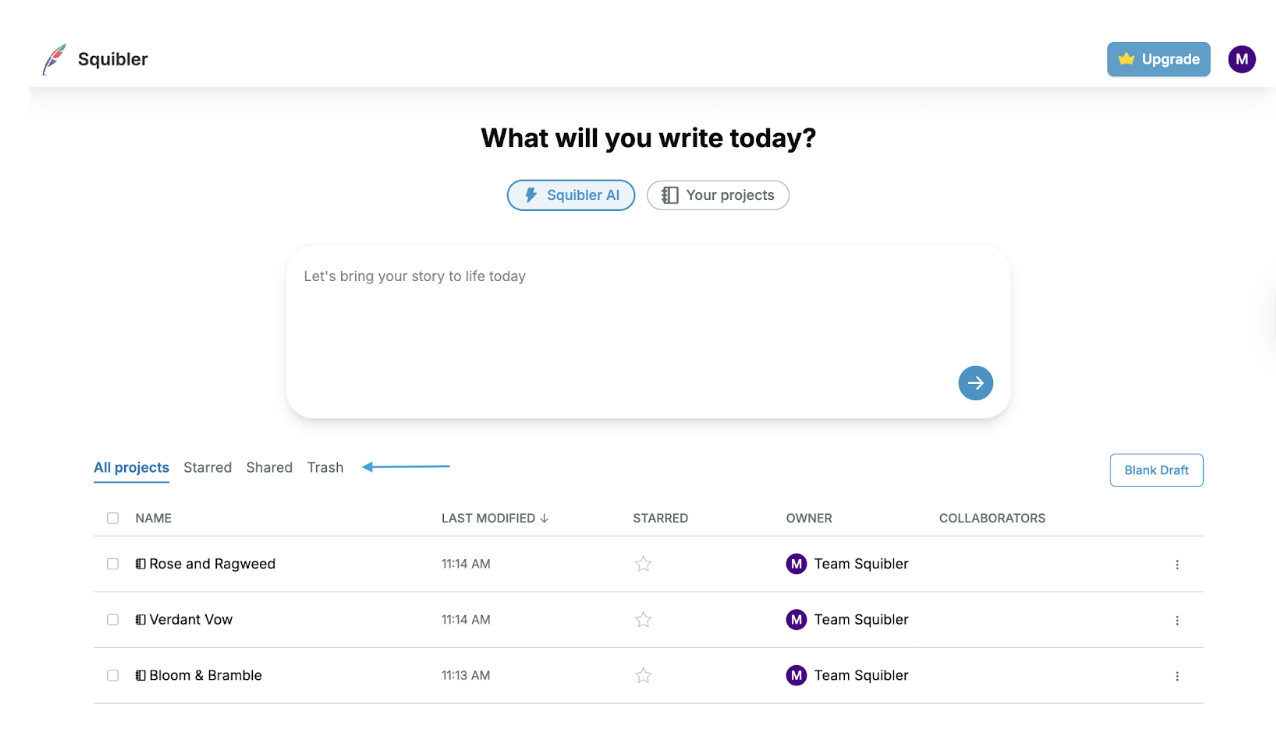
Your project will be moved to the trash can. If you need to recover a project, select Trash from the tabs above your project list:
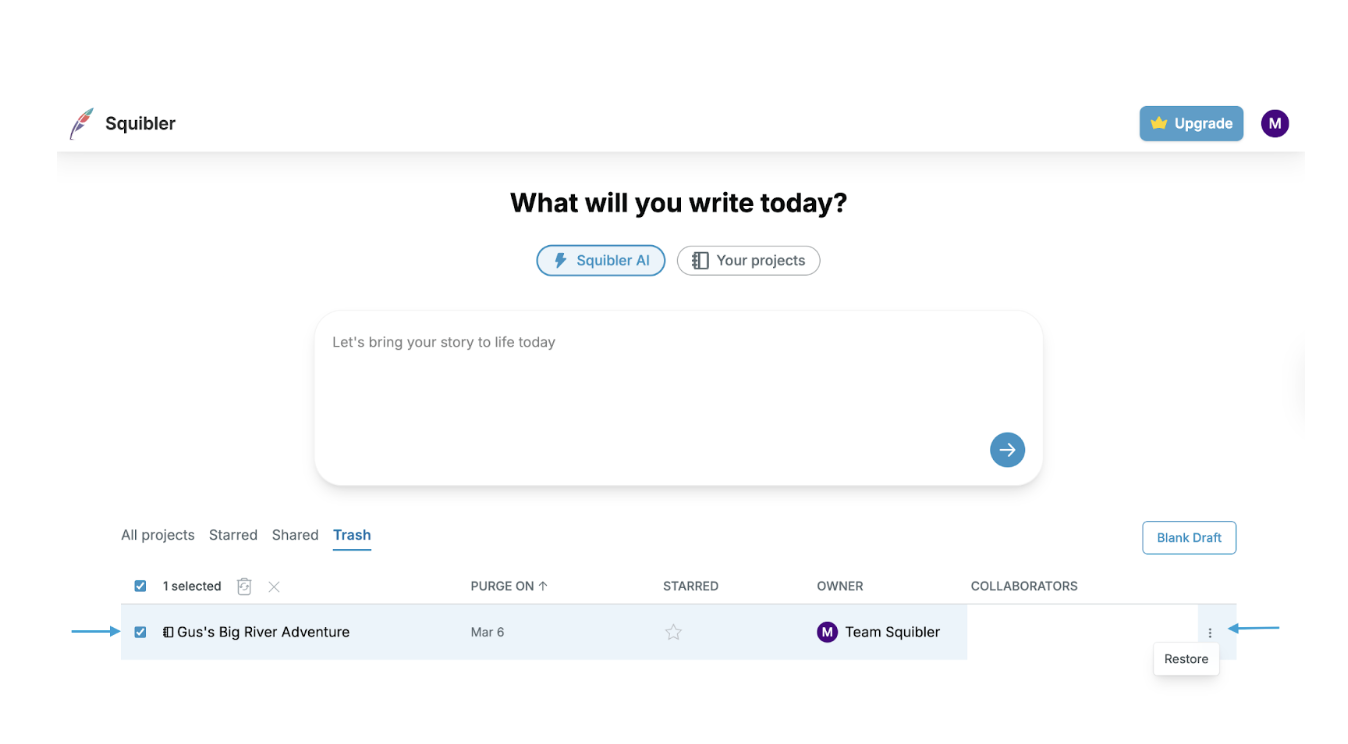
This will take you to your Trash, where you can click the box next to the project you want to restore, and then click Restore with the three buttons to the right of your project: